
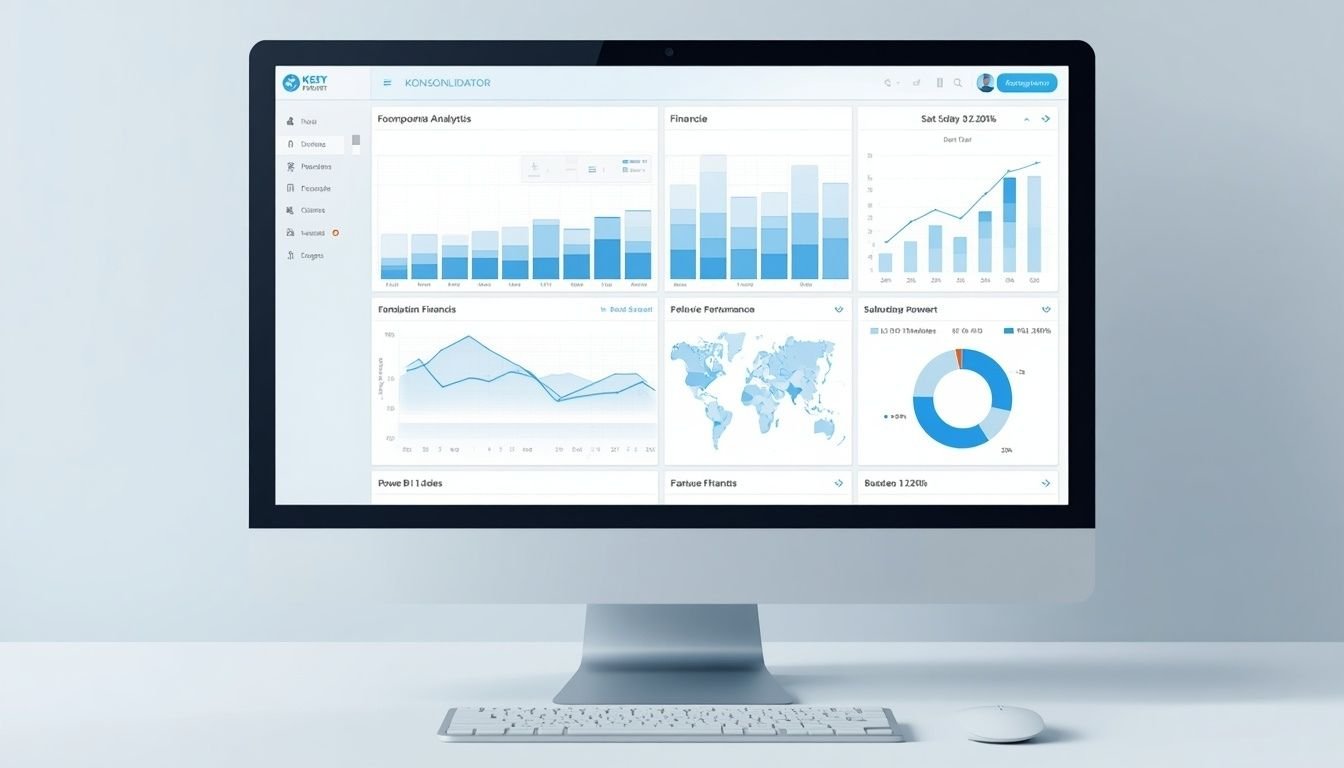
Konsolidator data visualization features help finance teams present consolidated financial information in reports and dashboards that are easier to analyze. Instead of reviewing disconnected spreadsheets or manually combining figures from multiple subsidiaries, teams can use structured financial data to examine performance across a corporate group.
The platform combines financial consolidation with reporting and business intelligence capabilities. Its BI solutions use Microsoft Power BI to present financial results and support deeper analysis.
These capabilities are particularly useful for organizations that manage several legal entities, work with multiple ERP systems, or need consistent financial reporting for executives and other stakeholders.
The main benefit is not simply displaying numbers in charts. It is helping users connect reported results with the underlying financial activity so they can investigate changes and make informed decisions.
Key Takeaways
- Konsolidator turns consolidated financial data into reports and dashboards through its business intelligence capabilities.
- Power BI supports visual analysis of profit and loss, balance sheets, cash flow, and financial KPIs.
- Drill-down analysis helps finance teams investigate group-level results and trace figures to underlying transactions.
- Data integration helps bring information from ERP systems and other business applications into a more consistent reporting environment.
- The right setup depends on reporting needs, license access, data quality, and how much customization a finance team requires.
Core Visualization and Reporting Capabilities
Konsolidator supports several reporting and analysis functions. The available capabilities depend on the BI solution, subscription, data configuration, and reporting workflow.
| Feature | What it helps finance teams do |
|---|---|
| Power BI dashboards | Present financial results in visual reports |
| Financial statement reporting | Review profit and loss, balance sheets, and cash flow |
| KPI reporting | Monitor selected financial and operational indicators |
| Drill-down analysis | Investigate consolidated figures at lower reporting levels |
| Analytical dimensions | Examine figures across dimensions such as departments or product categories |
| Excel reporting | Export financial information for further analysis |
| External data connections | Use Konsolidator data in supported reporting tools |
| Budget and forecast analysis | Compare financial plans with actual performance where supported |
These features serve different purposes. A management dashboard helps executives monitor performance, while detailed reports help accountants investigate differences and verify the numbers behind a result.
1. Power BI Dashboards for Financial Performance
Power BI is a central part of Konsolidator’s business intelligence offering. It allows finance teams to present financial information in visual formats instead of relying entirely on spreadsheets and static reports.
Depending on the selected solution and report configuration, dashboards can help users examine:
- Revenue and expenses
- Profit and loss performance
- Balance sheet figures
- Cash flow trends
- Financial and operational KPIs
- Differences between entities or business units
For example, a finance director at a US company with several subsidiaries could use a consolidated dashboard to review performance across the group. If one subsidiary reports lower profitability than expected, the team can investigate its financial results instead of relying on a single group-level figure.
Prebuilt reports versus customized dashboards
Konsolidator BI Essential includes ready-made Power BI and Excel reporting templates. More advanced requirements may involve additional data integration and customized reporting.
Prebuilt templates can be a practical starting point because they reduce the need to design every report from scratch. Custom dashboards are more appropriate when management needs specialized KPIs, additional data sources, or reporting views that standard templates do not provide.
2. Drill-Down Analysis From Group Results to Transactions
A consolidated dashboard shows what happened at a high level. Drill-down analysis helps users investigate why it happened.
Konsolidator supports tracing consolidated financial figures to lower reporting levels and underlying transaction information, subject to the available data and configuration.
Consider a company that operates five subsidiaries. Its consolidated operating expenses increase significantly compared with the previous quarter.
A useful investigation could follow this sequence:
- Identify the expense category with the largest change.
- Compare the results across subsidiaries.
- Examine the relevant accounts and subaccounts.
- Review available transaction-level details.
- Determine whether the change reflects higher costs, a one-time expense, a reporting adjustment, or another factor.
This process helps accountants and financial analysts move from identifying a variance to investigating its cause.
Why it matters: A chart can highlight a problem, but access to the underlying details helps the finance team verify the explanation before recommending action.
3. Analytical Dimensions for More Detailed Reporting
Financial totals rarely explain every business problem. Teams often need to compare results across departments, product categories, countries, or other business dimensions.
Konsolidator supports analytical dimensions that allow users to examine financial information through configured dimension groups.
For example, a company might want to analyze expenses by department and product category rather than viewing only the total expense for the entire organization.
The platform supports up to three analytical dimension groups in relevant configurations. The dimensions available in practice depend on the company’s setup and subscription.
Example of dimensional analysis
| Reporting view | Question it can help answer |
|---|---|
| By department | Which department accounts for the largest expense increase? |
| By product category | Which product group contributes most to revenue? |
| By country | How does financial performance differ across markets? |
| By subsidiary | Which legal entity is driving the group’s results? |
The actual comparisons depend on whether the required dimensions have been mapped and included in the financial data.
Analytical dimensions are particularly useful when group-level totals hide differences between individual business units.
4. Financial Statements and KPI Visualization
Konsolidator’s reporting capabilities cover major financial statements and selected performance indicators.
The standard reporting templates include profit and loss statements, balance sheets, and cash flow statements. KPI calculations are also included in the relevant templates.
These reports help management review financial performance through a consistent reporting structure.
Profit and loss reporting
Profit and loss reports help teams compare revenue, expenses, and profitability across reporting periods or business units.
A management team can use these figures to investigate declining margins or unexpected expense increases.
Balance sheet reporting
Balance sheet reports help finance teams review assets, liabilities, and equity across the consolidated group.
These reports are useful when assessing changes in the company’s financial position or reviewing balances across subsidiaries.
Cash flow reporting
Cash flow reporting helps users examine cash movements and trends across entities and reporting periods.
A business might report strong revenue growth while experiencing pressure on available cash. Reviewing cash flow alongside profit and loss results helps management avoid treating revenue growth as proof of healthy cash generation.
KPI reporting
Key performance indicators help translate financial information into measures that management can monitor regularly.
Useful KPIs depend on the organization’s reporting objectives. Before creating a dashboard, teams should agree on the definition, calculation method, reporting period, and data source for each indicator.
5. Excel Exports and Custom Reporting
Not every reporting requirement belongs in a dashboard. Accountants may need detailed schedules, reconciliation files, management reporting packages, or spreadsheet-based analysis.
Konsolidator provides Excel downloads for supported reports. Its Konsolidator Konnect connection also allows authorized users to access structured data in external tools such as Excel and Power BI.
This gives finance teams more flexibility when standard reports do not match their internal reporting requirements.
For example, an analyst might export financial figures to Excel to prepare a specialized management report or combine the data with other information for a separate analysis.
However, exporting data and building a custom report are not the same as having a fully automated reporting process. Teams should confirm which connections, permissions, data tables, and refresh procedures their configuration supports.
6. External Data Integration and Advanced Business Intelligence
Some organizations need more than consolidated financial statements. They may want to combine financial data with operational information from ERP systems, CRM platforms, budgeting tools, or other business applications.
Konsolidator’s more advanced BI and financial data management capabilities support broader reporting setups, including data integration and customized Power BI dashboards.
The intended outcome is a consistent reporting environment in which finance teams can examine related information without manually combining disconnected files for every reporting cycle.
For organizations with more complex requirements, Konsolidator BI Advanced and Enterprise provide broader capabilities than the Essential reporting package.
The precise scope depends on the selected solution, integrations, and implementation.
How Konsolidator BI Essential, Advanced, and Enterprise Compare
The three BI options address different levels of reporting complexity.
| Capability | BI Essential | BI Advanced | BI Enterprise |
|---|---|---|---|
| Primary purpose | Standard financial reporting | Deeper financial analysis | Broader financial and operational analytics |
| Power BI templates | Included | Broader reporting setup | Advanced reporting setup |
| Excel reporting | Supported | Supported | Supported |
| Additional ERP data | Not the main focus | Supported through configured integration | Supports a broader data environment |
| Transaction-level investigation | Depends on standard available reports | Designed for deeper drill-down | Supports detailed analysis across connected data |
| Budget and operational data | Limited to available reporting data | Additional integration as configured | Broader integration possibilities |
| Best fit | Teams needing standard reports | Teams needing more detailed analysis | Organizations with complex reporting needs |
The table describes the general positioning of the three solutions rather than guaranteeing that every listed capability is available in every subscription. Exact inclusions and integration requirements should be confirmed before purchase.
Practical Example of Financial Data Visualization
Imagine a US manufacturing group with four subsidiaries. Management wants to know why operating margins declined during the latest quarter.
A useful reporting workflow could look like this:
1. Consolidate the financial data
Bring the relevant financial information together and complete the required consolidation checks.
2. Identify the margin change
Use financial reports or a Power BI dashboard to identify the period and subsidiary with the largest change.
3. Investigate the underlying figures
Review relevant expense accounts and available transaction details to investigate the cause.
4. Prepare a management response
Summarize the verified cause, its financial impact, and the next action management should consider.
The visualization helps management locate the problem. The quality of the final decision still depends on accurate data, appropriate analysis, and a verified explanation.
Expert Decision Guide: Which Visualization Capabilities Do You Need?
The most suitable setup depends on the questions your finance team needs to answer and how much reporting complexity it must manage.
Choose based on your reporting requirements
- For standard financial statements and management reports: Start with BI Essential if its templates cover your reporting needs.
- For detailed variance analysis: Evaluate BI Advanced if you need to investigate figures across subsidiaries, accounts, and transactions.
- For integrated financial and operational reporting: Consider BI Enterprise when you need to combine consolidation, budgeting, planning, and other business data.
- For custom spreadsheet analysis: Check whether Konsolidator Konnect supports your required data and whether your team can maintain the Excel or Power BI reporting workflow.
Questions to ask before selecting a solution
Before committing to a reporting configuration, confirm the following:
- Data coverage: Can the system access every financial and operational data source required for the reports?
- Drill-down depth: Can users trace important figures to the level needed for investigation and verification?
- Customization: Are the standard templates sufficient, or will your team need custom KPIs and dashboards?
- Refresh process: When does the data update, and what must happen before a report reflects the latest consolidated figures?
- Access and licensing: Which features, data tables, integrations, and reporting capabilities are included in the proposed subscription?
- Maintenance: Who will manage data mappings, report changes, access permissions, and validation?
A common mistake is selecting a more advanced reporting package before defining the decisions the dashboards must support. Start with the required management questions, identify the data needed to answer them, and then choose the simplest setup that meets those requirements.
What to Check Before Trusting a Financial Dashboard
Even well-designed visualizations can mislead users when the underlying data is incomplete or inconsistent.
Before using a dashboard for financial decisions, check these areas.
Data completeness: Confirm that the relevant subsidiaries, accounts, and reporting periods are included.
Consolidation status: Verify that the required consolidation and reconciliation steps have been completed.
Consistent definitions: Make sure financial KPIs use the same calculation rules across reporting periods and entities.
Currency treatment: Confirm that reporting currencies and currency conversions are appropriate for the comparison being made.
Reporting dates: Check whether the figures reflect the latest completed reporting period rather than assuming every connected report updates continuously.
Auditability: Ensure users can investigate important figures and retain the supporting documentation required by the organization’s controls.
These checks matter because visualization improves how people interpret financial information. It does not independently guarantee that the information is correct.
Frequently Asked Questions
What are the main Konsolidator data visualization features?
The main Konsolidator data visualization features include Power BI reporting, financial statement templates, KPI reporting, analytical dimensions, drill-down analysis, and connections to external reporting tools. The exact capabilities available depend on the selected BI solution and subscription.
Does Konsolidator support Power BI dashboards?
Yes. Konsolidator BI uses Microsoft Power BI for financial reporting and analysis. BI Essential includes ready-made Power BI and Excel templates, while Advanced and Enterprise support broader reporting and data integration requirements.
Can Konsolidator visualize data from multiple subsidiaries?
Yes. Its consolidation and reporting capabilities help users examine group-level financial performance and investigate results across subsidiaries. The depth of analysis depends on the available financial data, configuration, and reporting solution.
Can users drill down from consolidated figures to transactions?
Konsolidator supports drill-down analysis from consolidated figures to lower reporting levels and underlying transaction details. Access to specific details depends on the connected data, report configuration, and permissions.
Does Konsolidator support custom financial reports?
Konsolidator supports report templates, Excel exports, and external data connections for customized reporting workflows. More advanced dashboards and integrations may require additional configuration or a different BI solution.
Can Konsolidator data be used in Excel or Tableau?
Konsolidator Konnect supports access to structured data through connections for tools such as Excel, Power BI, and Tableau. Users should verify API access, permissions, supported data tables, and setup requirements before implementing an external reporting workflow.
Are financial dashboards updated in real time?
The actual refresh behavior depends on the data source and reporting workflow. Konsolidator reporting data is updated when relevant periods are uploaded or consolidations are run. External reports may also require a refresh, so teams should verify when the displayed figures were last updated.
How should a company choose between BI Essential, Advanced, and Enterprise?
Choose Essential for standard financial reporting when the included templates meet your needs. Consider Advanced for deeper financial analysis and additional data integration. Enterprise is intended for broader financial and operational reporting requirements. Confirm the current subscription inclusions and implementation needs before deciding.